Timelapse Digital – timelapse video for your Vancouver construction projects:
Capture Every Detail of Your Build with Timelapse Digital
Why Choose Time-lapse for Your Construction and Industrial Projects?
Time-lapse videos are a compelling way to update your team, inform stakeholders, and document your project from start to finish. Whether you’re overseeing a construction site, managing industrial operations, or simply looking to showcase a project’s progress, time-lapse video offers a unique, visually stunning way to tell your story.
At Timelapse Digital, we specialize in providing high-quality, professionally edited time-lapse video services. Our Vancouver-based team works with businesses across British Columbia (BC), offering fully customizable solutions tailored to your project’s needs. With our state-of-the-art camera systems, live remote viewing options, and licensed drone videography, we ensure that every moment of your build is captured in stunning detail.
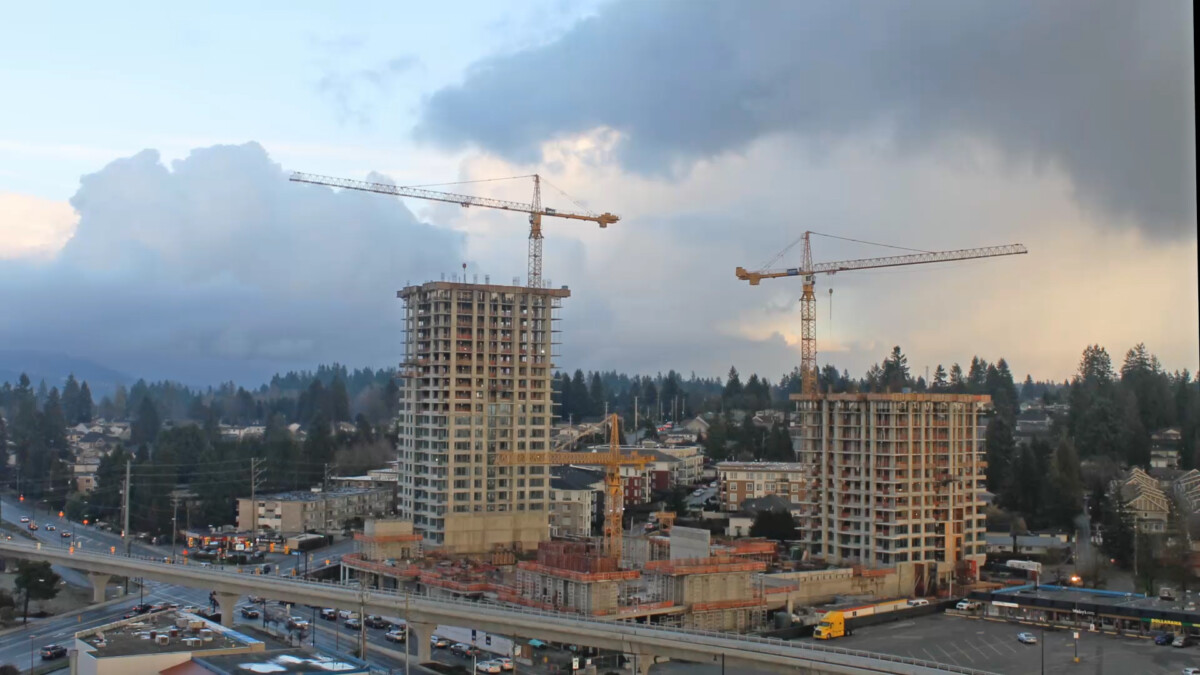
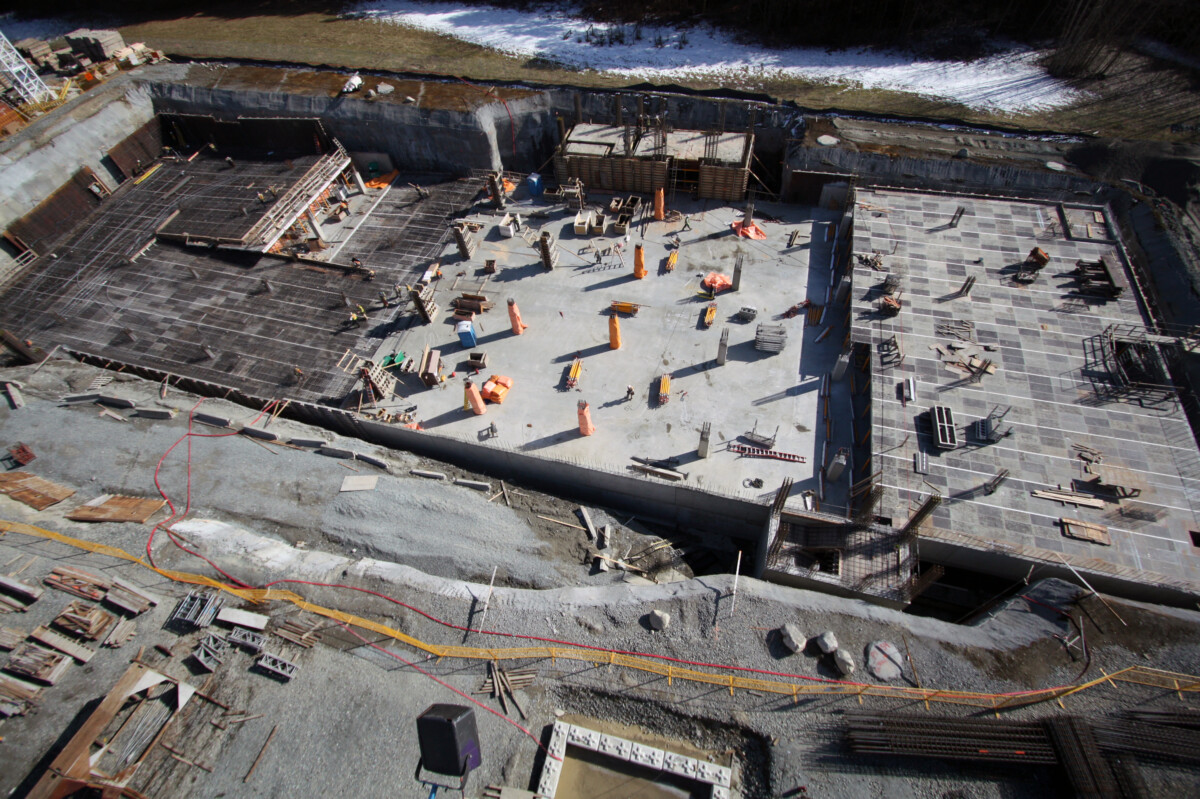
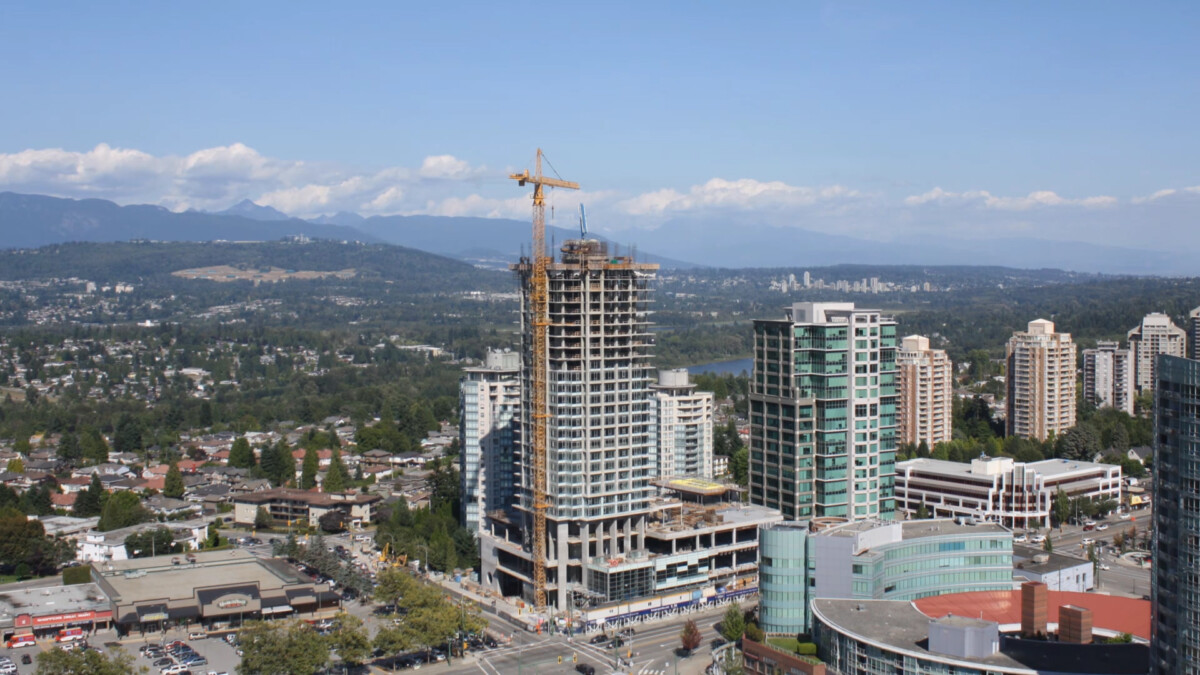
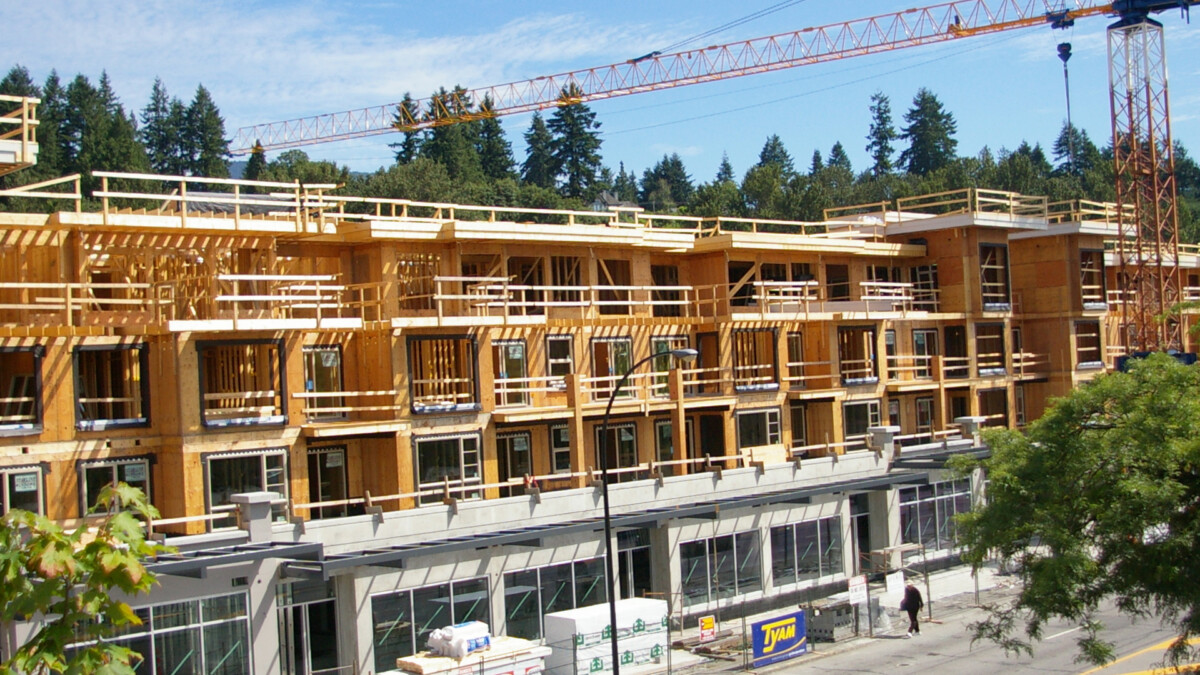
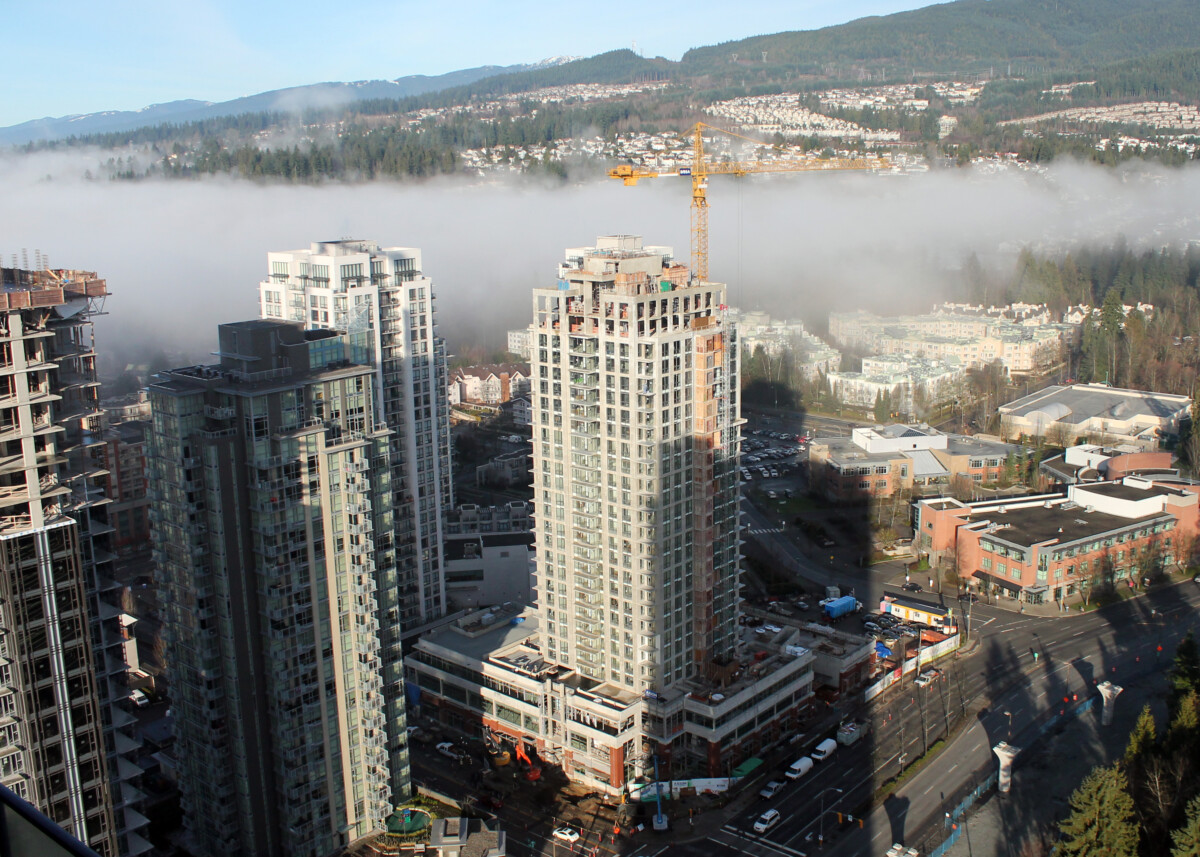
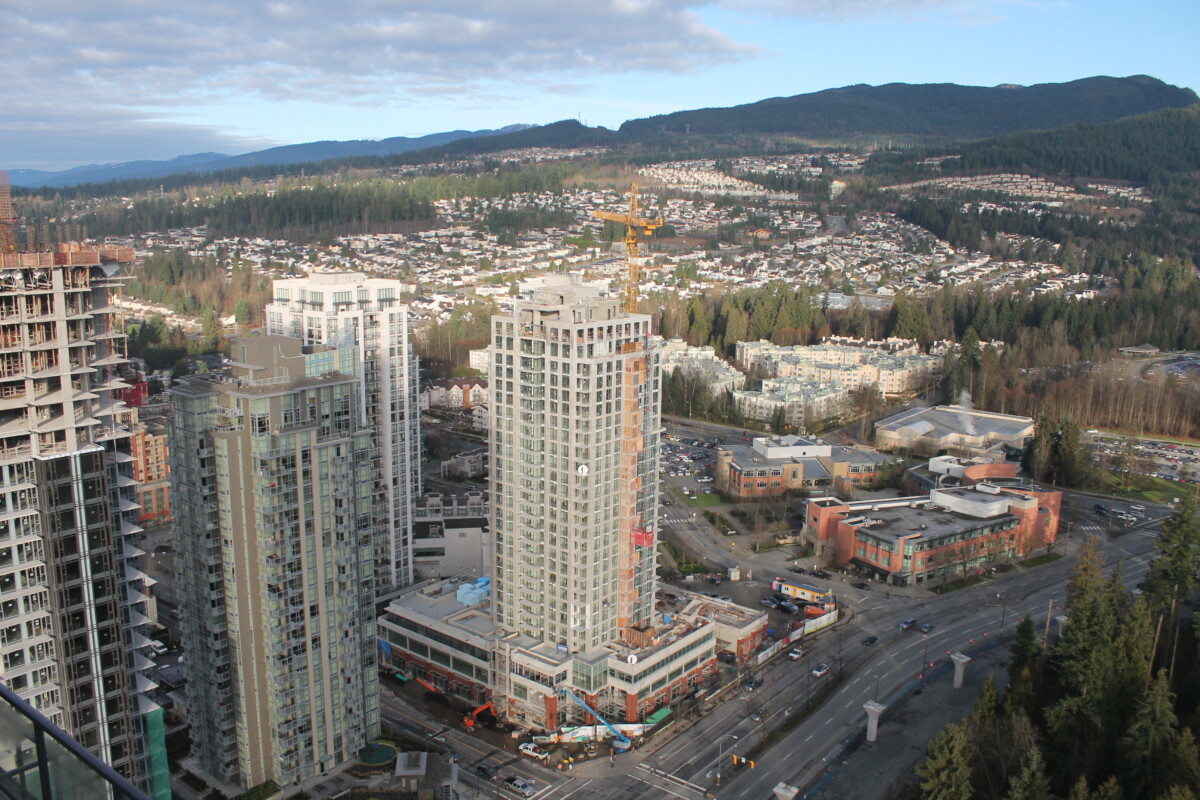
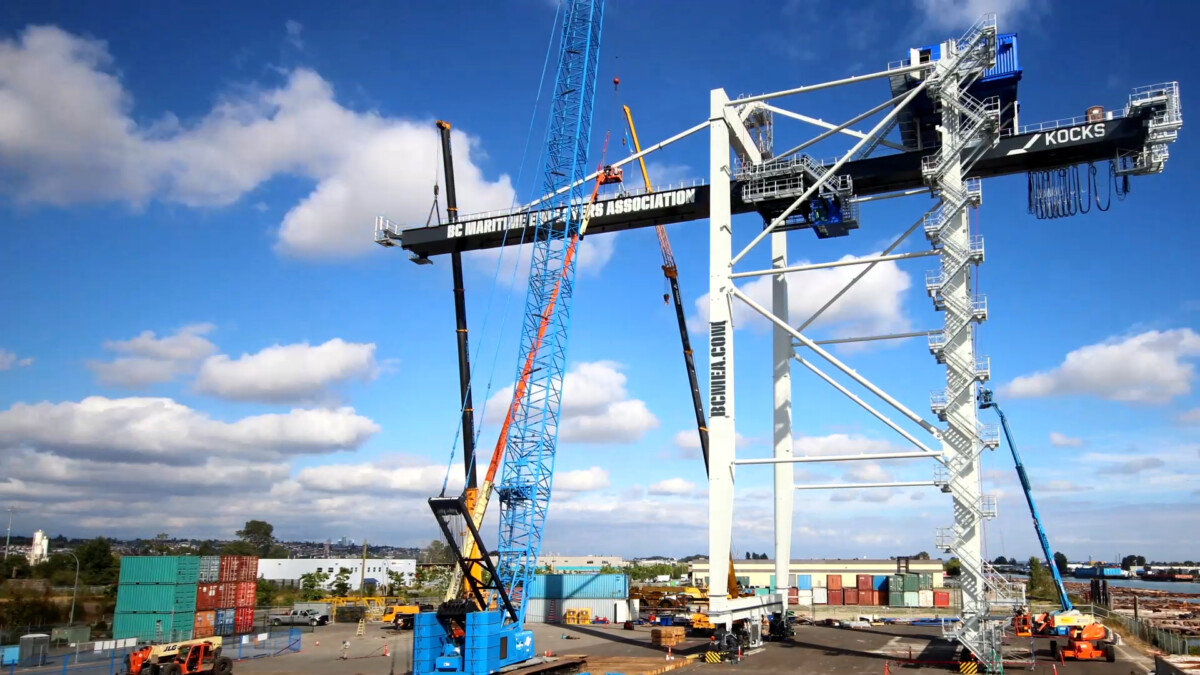
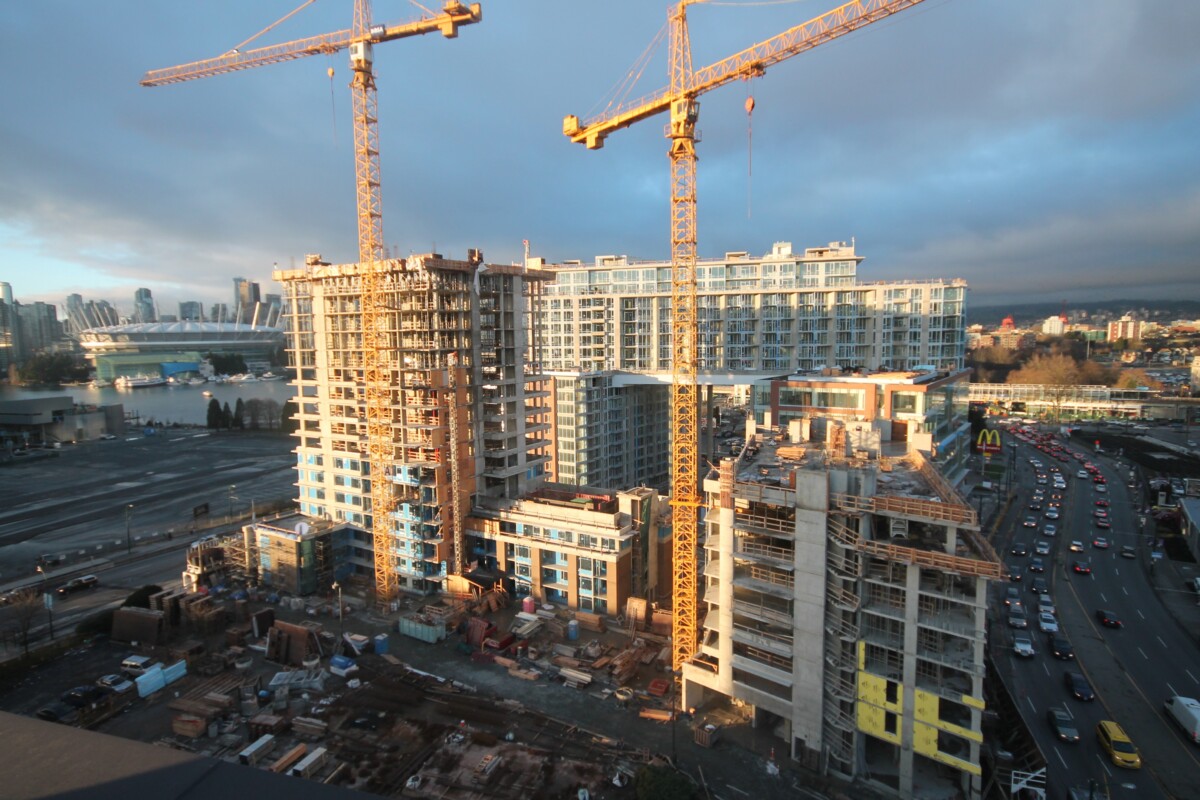
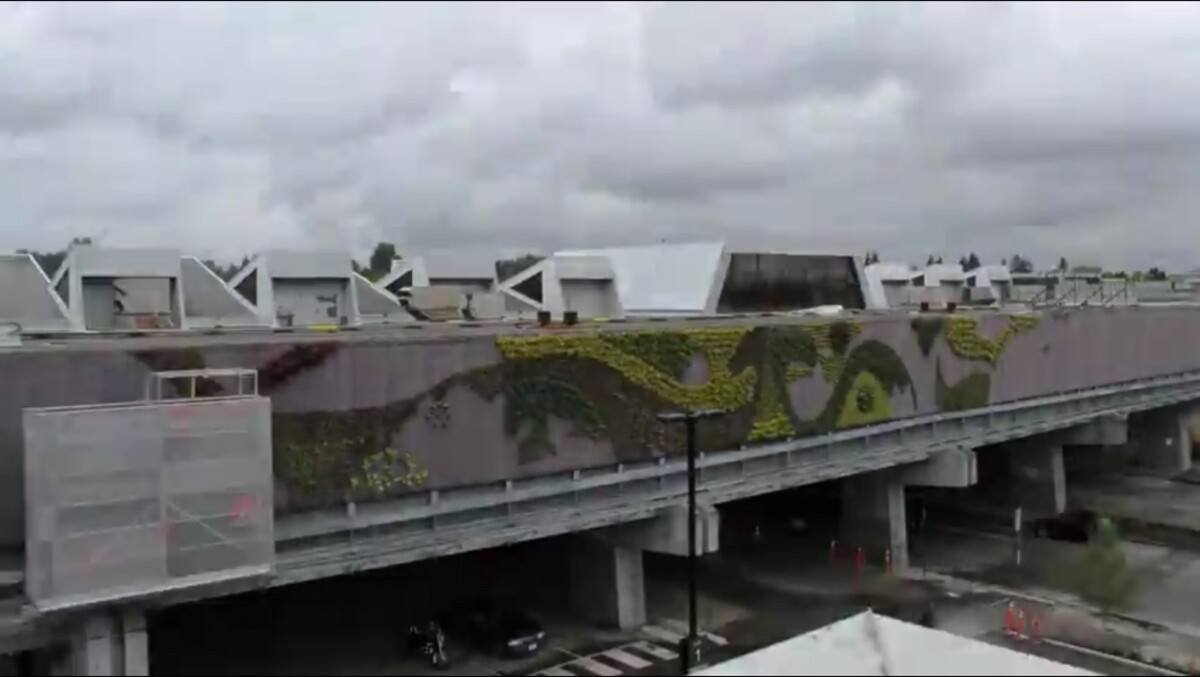
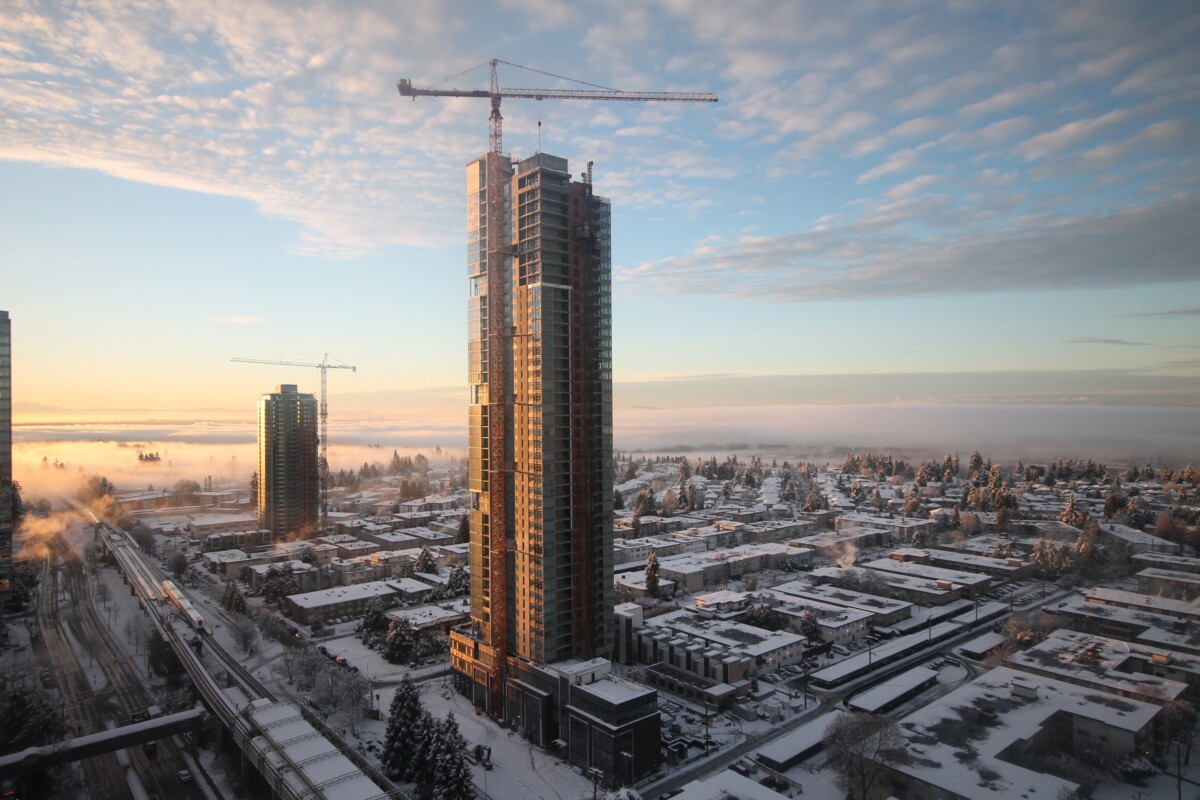
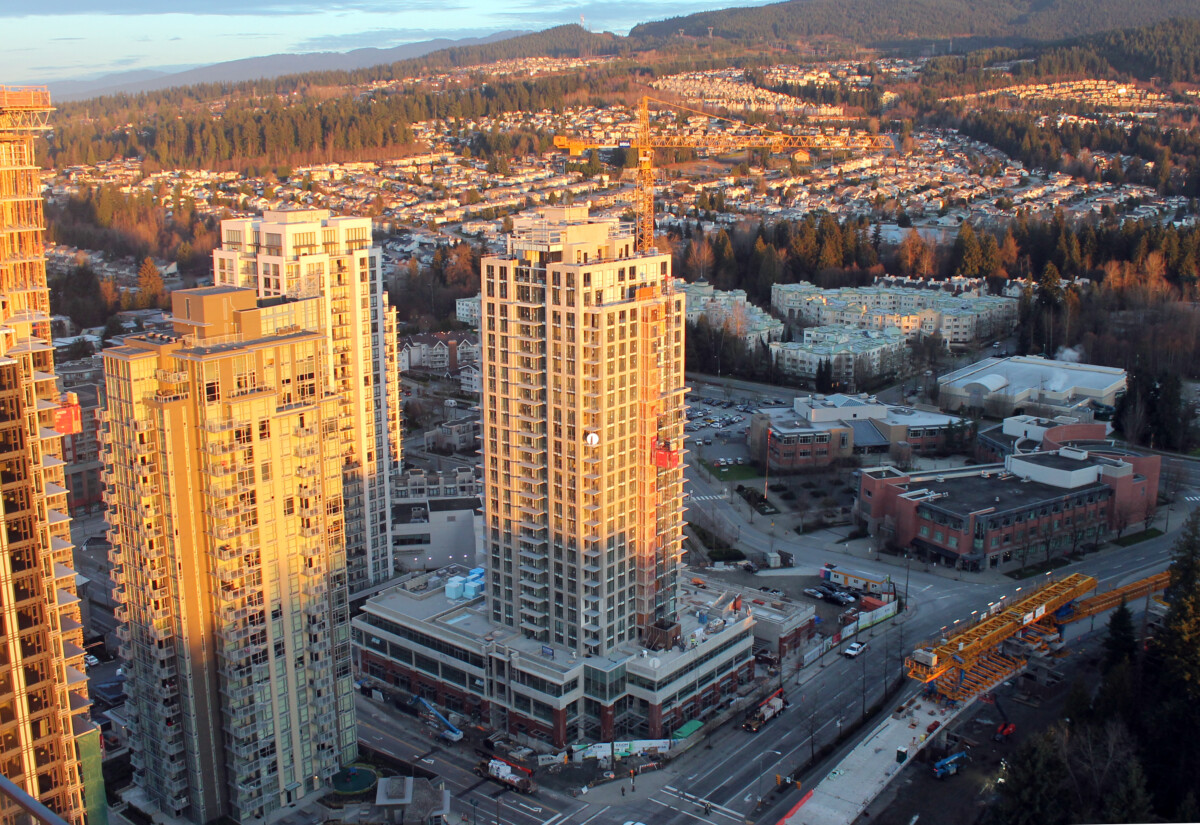
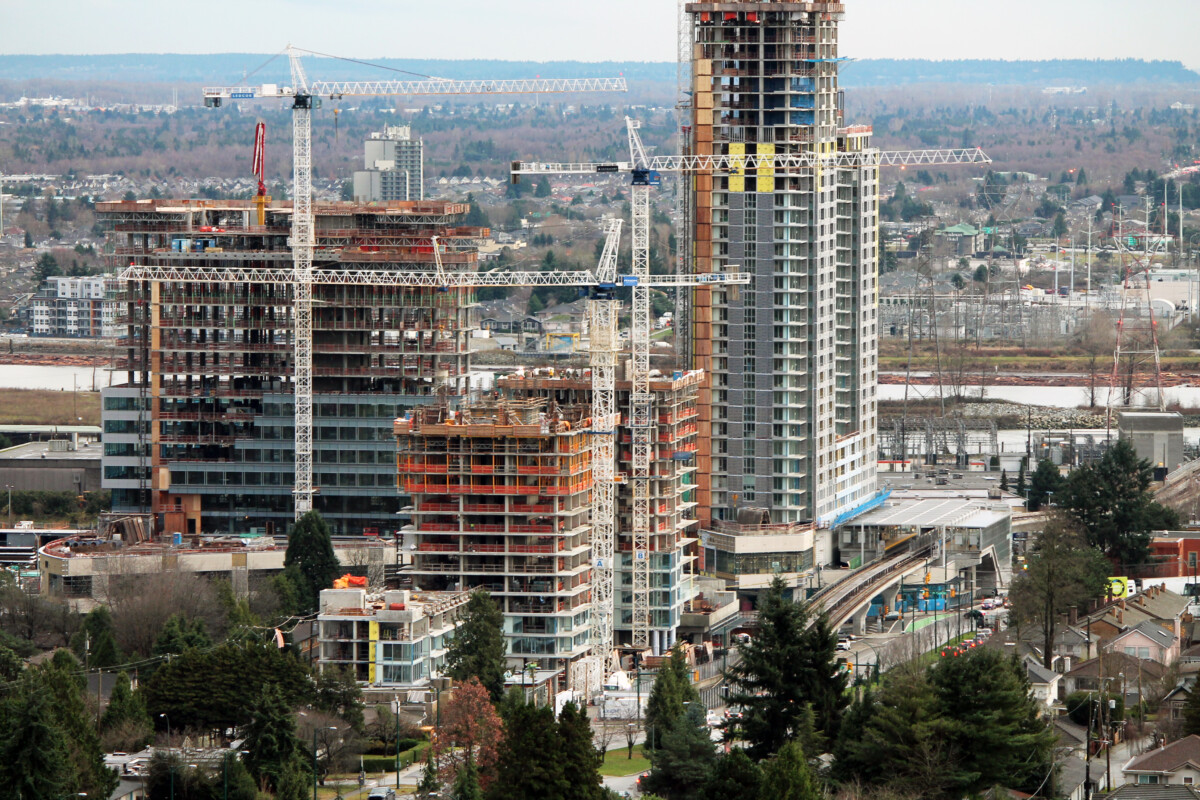
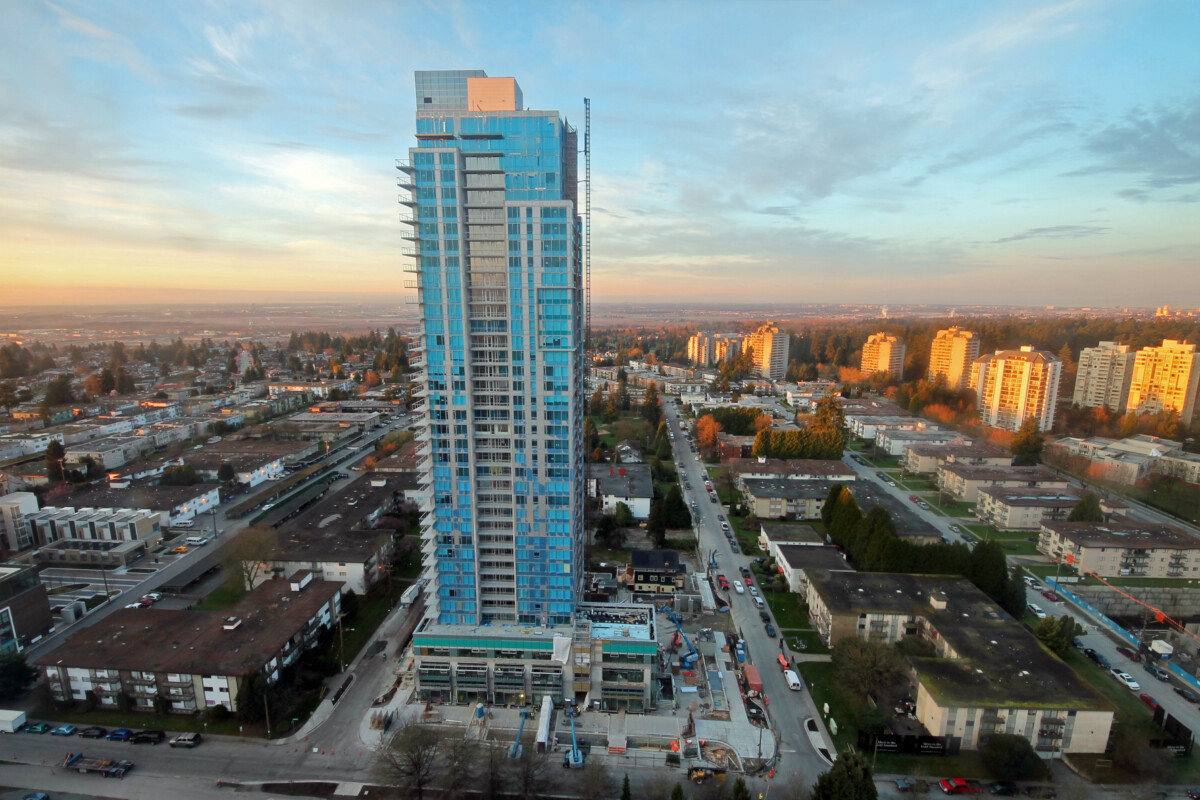
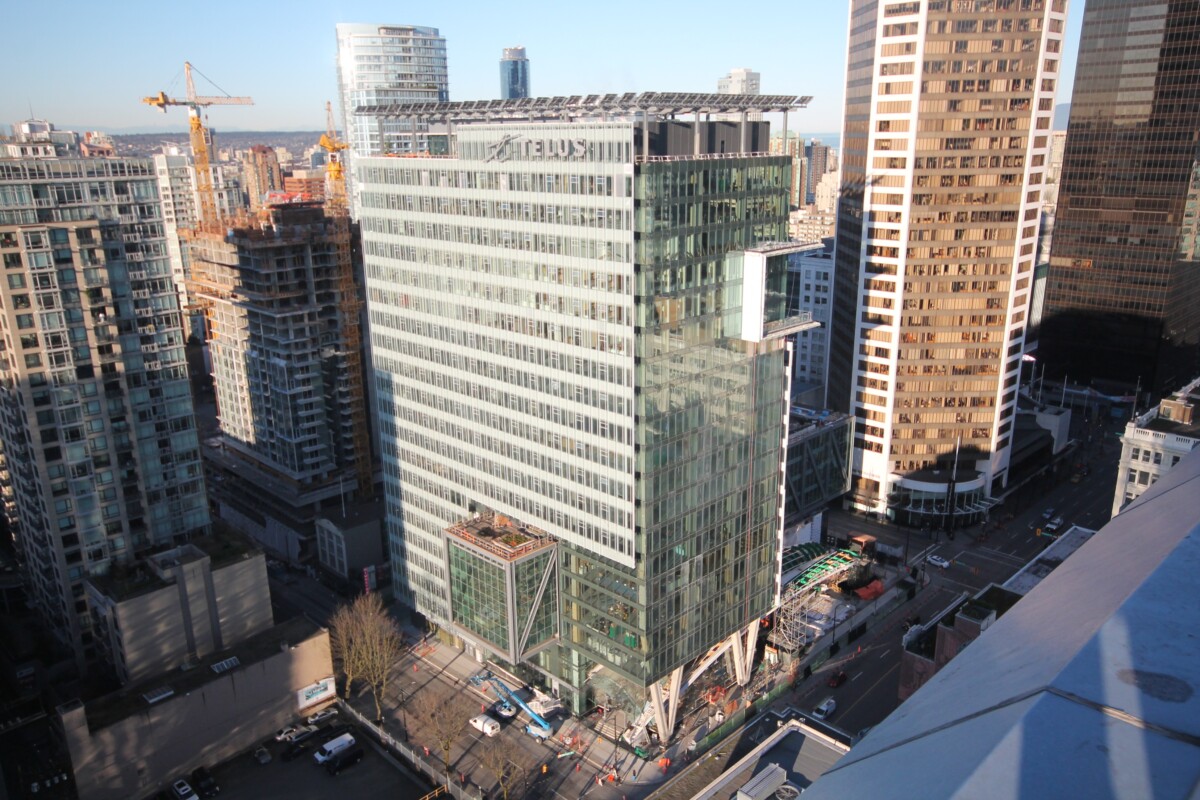
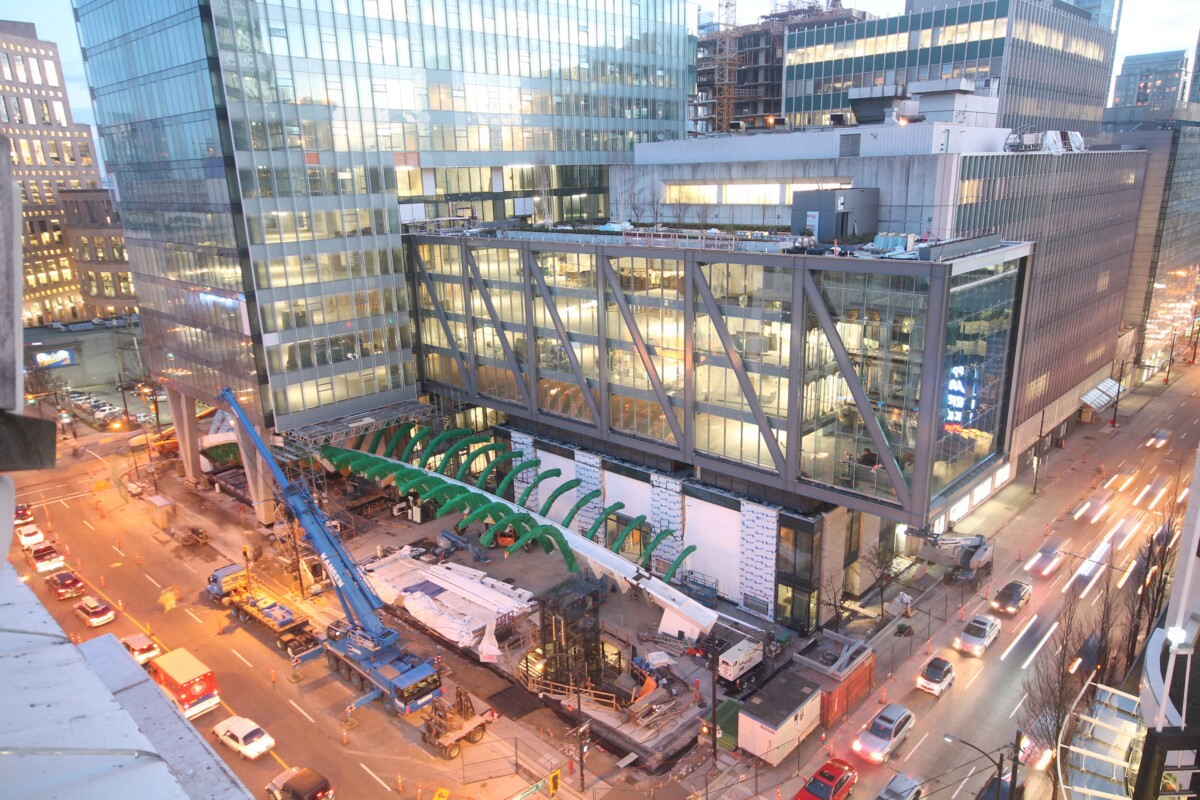
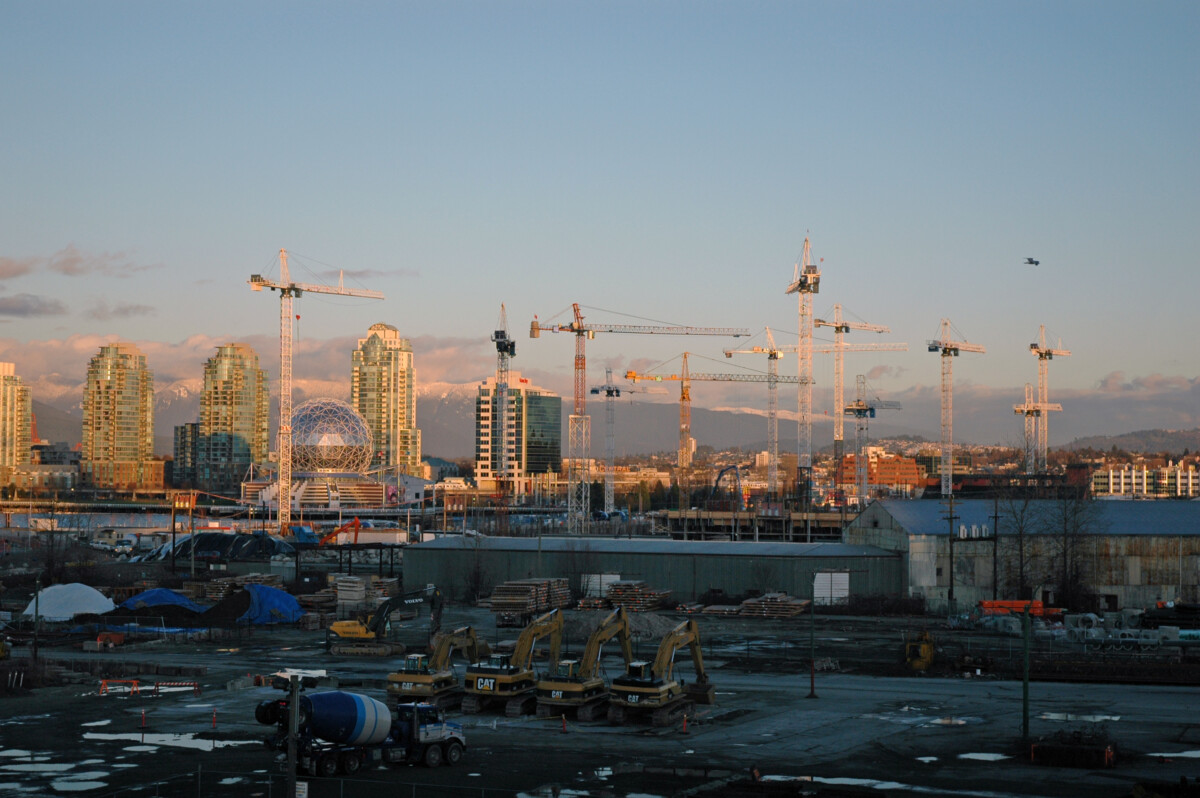
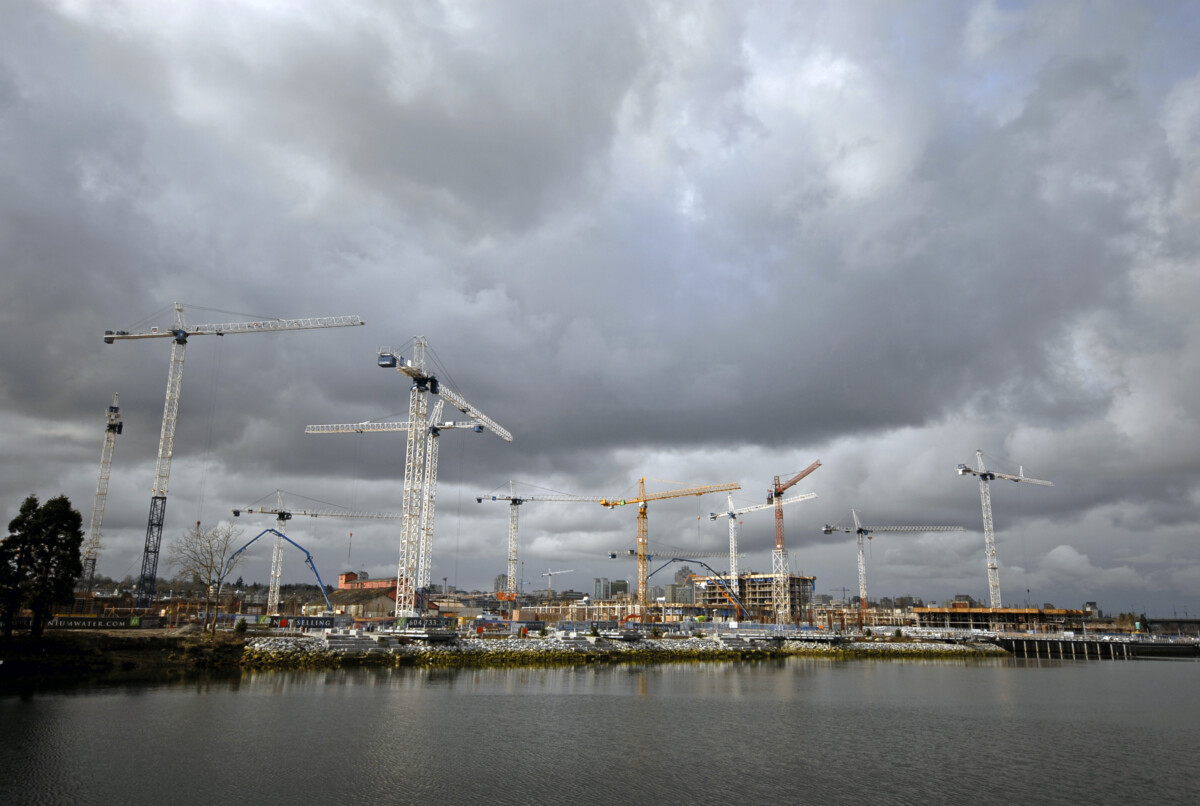
Our Expertise: Professional Time-lapse Video Solutions for Construction and Industrial Projects
At Timelapse Digital we are not a security camera company. We focus exclusively on capturing time-lapse footage for construction and industrial processes, ensuring a comprehensive visual documentation of your project. Our goal is to deliver a complete picture from groundbreaking to project completion.
We partner closely with our clients to find the perfect camera location, ensuring that the entire construction process is captured in high resolution. Our cameras and drones provide unparalleled visual clarity, giving you detailed insights into the progress of your project.
Why Choose Timelapse Digital?
- Specialized in Time-lapse Videos for Construction: We are experts in time-lapse documentation, unlike general security camera companies.
- Tailored Solutions: We work with you to choose the best camera placement to capture your project in its entirety.
- High-Quality Footage: We use state-of-the-art DSLR cameras, 2K and 4K video systems, and drone videography for superior visual quality.
- Comprehensive Service: From installation and maintenance to video delivery and post-production editing, we handle everything.
Our Services: From Time-lapse Cameras to Drone Videography
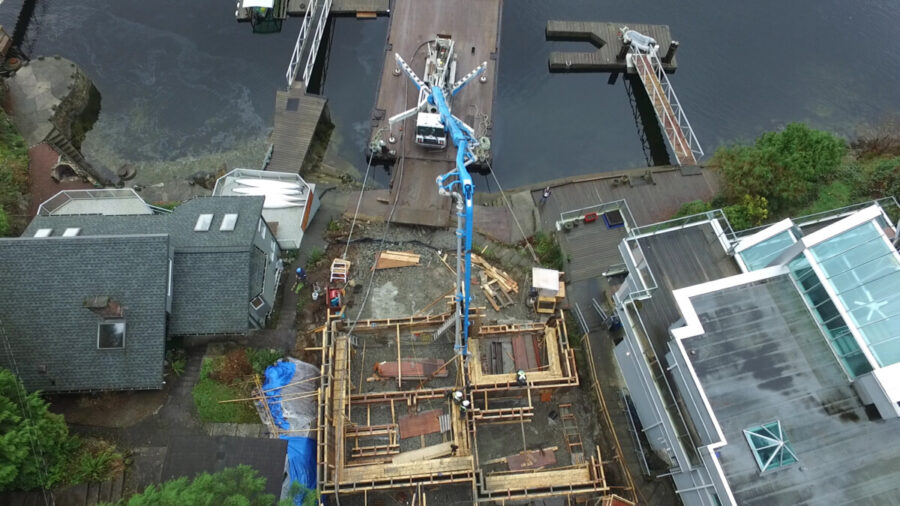 At Timelapse Digital, we offer a full range of services to ensure that every aspect of your project is captured. Whether you need a high-resolution camera system for long-term documentation or live remote viewing to monitor your project in real-time, we’ve got you covered.
1. Digital SLR Camera Systems – Highest Resolution Documentation
Our DSLR camera systems are perfect for capturing detailed, high-resolution time-lapse footage. These systems are designed to handle long-term projects, documenting every phase of construction or industrial work. Whether you’re building skyscrapers, bridges, or industrial plants, our DSLR cameras provide the resolution and clarity needed to ensure no detail goes unnoticed.
2. 2K and 4K Video Systems for Live Remote Viewing
Stay informed and up-to-date with our live remote viewing systems. These 2K and 4K cameras provide real-time access to your project, so you can monitor progress from anywhere in the world. Our clients often use this feature to keep stakeholders informed or to conduct virtual site inspections, ensuring that work is progressing according to schedule.
3. Commercially Licensed Drone Videography
For a bird’s-eye view of your project, we offer drone videography services. Our licensed drone pilots capture sweeping, aerial footage that adds a dynamic perspective to your time-lapse videos. Drones are particularly useful for large-scale construction sites, infrastructure projects, and industrial operations, offering views that traditional cameras simply cannot provide.
Full-Service Time-lapse Solutions from Start to Finish
Timelapse Digital provides a complete, end-to-end solution for all your time-lapse video needs. From selecting the optimal camera location to delivering a professionally edited video at the end of your project, we handle everything, ensuring a hassle-free experience for our clients.
What to Expect from Our Full-Service Package:
- Camera Installation: We work with you to find the perfect off-site camera location that offers the best view of your job site.
- System Maintenance: Throughout the project, we handle all aspects of camera maintenance, ensuring that your footage remains uninterrupted and high-quality.
- Progress Videos: At regular intervals, we deliver progress videos to keep your team updated and engaged. These videos are perfect for internal reporting or for sharing with stakeholders.
- Final Edited Video: Once your project is completed, we compile all of the footage into a professional, high-quality video that highlights the entire build from start to finish. This final video can be used for marketing, project reporting, or simply to memorialize the hard work that went into your project.
Time-lapse Video: The Perfect Tool for Construction and Industrial Projects
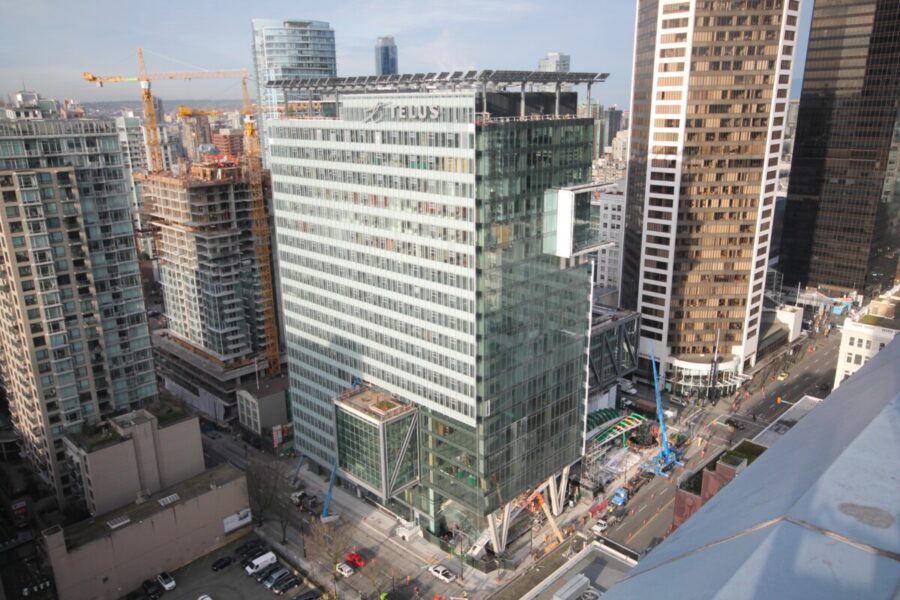 Using time-lapse video for construction projects is one of the most efficient and effective ways to document your work. The benefits of time-lapse go far beyond just visual appeal. Time-lapse videos can help you:
- Keep Stakeholders Informed: Regularly updated time-lapse footage is an excellent way to keep clients and stakeholders in the loop without needing to conduct time-consuming site visits.
- Showcase Project Milestones: Whether it’s laying the foundation, raising walls, or completing the final touches, time-lapse video provides a clear, concise view of each milestone.
- Market Your Expertise: Use your final time-lapse video as a powerful marketing tool, demonstrating the efficiency and professionalism of your work.
- Document Progress for Reporting: Time-lapse videos provide a visual record of every stage of your project, making it easier to prepare reports, assess progress, and identify potential bottlenecks.
Contact Timelapse Digital for a Custom Time-lapse Video Solution
Are you ready to capture every moment of your construction or industrial project with stunning time-lapse video? Contact Timelapse Digital today to learn more about our services and how we can create a custom solution that fits your needs.
With our cutting-edge technology, full-service offering, and dedication to client satisfaction, we’re the premier provider of time-lapse video solutions for construction projects in Vancouver and across British Columbia.